
today's page
Your digital notebook, with AI
One notebook. All your notebooks.
Personal notes, work, plans, studies and goals. Write, speak or add a photo. Anotário organizes your notes, and Margem, its AI, finds connections with links back to what you wrote.
Early access is by invitation. Leave your email for updates about availability.
 Today· Tuesday, October 20
Illustrative example
Today· Tuesday, October 20
Illustrative example
Meeting with Marcos on October 23 at 3 pm. Bring ideas for the window display.

the problem
Your notes are all there. Just not together.
A work idea in one notebook. A plan in your journal. A goal in last year's planner.
Anotário brings them into one place, with different notebooks for different parts of life — and connections between them.
Illustrative example
how it works
Open. Write. Find the connections.
Start with Today
Type a thought, use your voice or add a photo. You can start without choosing a folder.
Let your notebook organize
AI suggests notebooks and picks out tasks, events and reminders from your writing. You can check and correct the result.
Look again, with Margem
Find a related note, turn an idea into an editable visual or read an observation with links to its sources.

key ideas
One place to write. Different ways to see.
Notes that belong in more than one notebook
A note can appear in Personal, Work or Goals without becoming separate copies. You can change where it appears.
Writing that becomes a plan
“Prepare the proposal by October 22” can become a task in Anotário. Each task, event and reminder keeps a link to the note it came from. Check the date before relying on it.
Meeting with Marcos on October 23 at 3 pm. Prepare the proposal by October 22.
Margem: observations with sources
Margem notices connections across your writing. Each observation links to the notes behind it and contains no more than one reflective question. You can mark it useful, not useful or already known, or mute the topic.
Illustrative example — source notes
Echoes from earlier pages
A past note can return when it relates to something you are writing about now. You can also ask your notebook a question and open the notes cited in the answer.
Pictures that help you see the structure
Turn notes into editable mind maps, timelines, flows, 2×2 matrices, comparisons, concept maps, boards, wheels, people maps or trees. AI suggests a format; you can change it.
Goals you can return to
See the notes connected to a goal and keep a record of habits without a streak that resets after a missed day. In your review, choose which tasks to keep, schedule or let go.
A letter about your week
Margem brings together the week's events, recurring subjects and loose ends, with links back to your notes.
your paper notebooks
Your paper notebooks, brought along
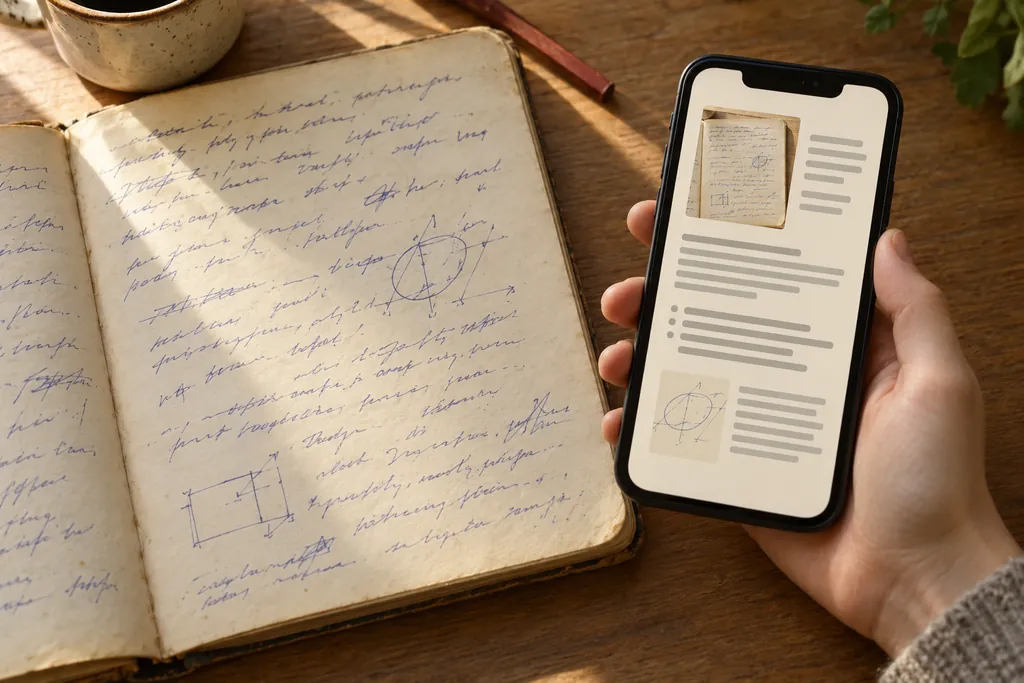
Import photos or a PDF of your notebooks and planners. The Bookshelf keeps the original page beside the transcription, so you can compare and correct it. Those notes can then be searched and connected to new writing.
page 18 · on the Bookshelf
Important detail: handwriting recognition can make mistakes, especially with unclear writing or photos. The original stays available for review.
privacy and control
Your notes. Your choices.
Your notes are stored on Anotário's servers. Its AI service processes your writing and imports to organize content, answer questions and generate connections and visuals.
You can correct the organization, give feedback on observations, mute topics, export your data and delete content.
questions
Before you open your notebook.
Can I start using it now?
Anotário is in early access by invitation. Leave your email for updates about availability. Joining the interest list does not create an account or guarantee immediate access. Already have an account? Sign in at /app.
What does it cost?
There is no public price yet. Joining the interest list is not a purchase or subscription.
Can I bring my handwritten notebooks?
Yes. Import photos or a PDF. Review the transcription beside the original page and correct anything the AI misread.
Will the AI tell me what to do?
Margem makes observations about what you wrote and shows the supporting notes. It may ask one reflective question. You decide what makes sense and can give feedback or mute a topic.
Does it work on my phone and computer?
Anotário is a web app for phones and computers. Compatible browsers can add it to your home screen. Camera and voice features depend on your browser and device permissions.
Where are my notes stored?
On Anotário's servers. The AI service processes your notes to provide organization, answers, connections and visuals. You can export your data and delete content.
Can I take my notes with me?
Yes. Settings includes a complete data export, including note formats such as Markdown and JSON.
What if the AI gets something wrong?
You can correct the organization and transcription, edit visuals and give feedback on observations. The original notes and imported pages let you check the source.
early access
Early access is by invitation.
A new notebook. Room for the old ones.
Bring today's thoughts and yesterday's pages together.
Already have an invitation? Sign in